Live Activites
Keep track of your ongoing tasks and events right from your iPhone's Home Screen and Dynamic Island with PolyPlan's Live Activities feature.
Written By Minh Thư
Last updated Over 1 year ago
What are Live Activities?
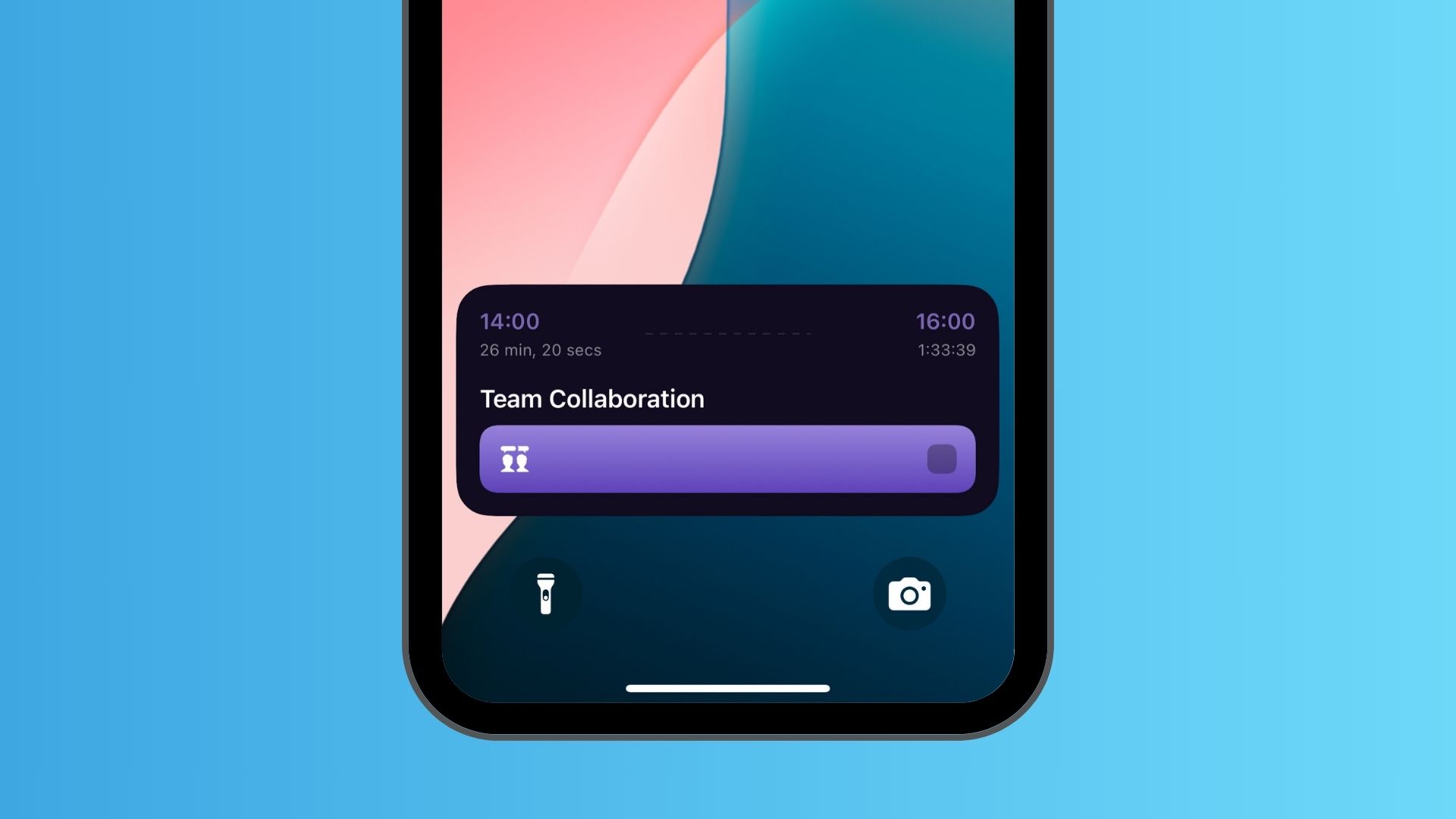
Live Activities provides real-time updates about your current tasks and events directly on your iPhone's Lock Screen, Home Screen, and Dynamic Island (on iPhone 14 Pro and newer models).
With PolyPlan's Live Activities, you'll see a countdown timer for your ongoing activities, helping you stay on schedule without constantly checking the app.
How Live Activities Work
Activities start automatically when a task or event begins
The countdown shows the remaining time
Information appears in both Dynamic Island and Lock Screen
Activities end automatically when the time is up
Enable Live Activities
Enable the Feature
Tap the Extra tab, and select Automation
Find the Live Activities section, and toggle the switch to enable Live Activities
In "Auto Start Live Activity”, choose which items trigger Live Activities:
Tasks Only: Only manual tasks created in PolyPlan
Events Only: Only calendar events
Both Tasks and Events: All scheduled activities
In “When Live Activity End”, configure what happens to the task:
Do Nothing: the task stays incomplete
Mark Task as Completed: Automatically completes the task when time is up
Tap Save on the top right corner to save the changes
Common Questions
Will Live Activities work with all my tasks?
Live Activities work with tasks and events based on your configuration. Make sure they have a defined start and end time.
How long do Live Activities stay visible?
Live Activities remain active until:
The scheduled end time is reached
You manually end the activity
Do Live Activities work on all iPhones?
Live Activities work on all devices. Dynamic Island features are available on iPhone 14 Pro and newer models of iPhone.
Will this feature drain my battery?
No, Live Activities are designed to be battery-efficient and use minimal resources.
Was this helpful?
Still need help? Share an idea